bull88 App — Play on Android, Anywhere
The bull88 App puts over 3,300 games in your pocket. Free to download, no Google Play needed — just grab the APK, install it in under two minutes, and you are ready to play slots, live casino, and more.
- SSL Encrypted
- Android 10.0+
- 36 MB only
- 24/7 Support
- 18+ Only
or tap the button above
What You Can Do in the App
Everything in the bull88 App is built for one-handed mobile use. Here is what is waiting for you once you install it.
3,300+ Slot & Casino Games
Access the full bull88 game lobby from FA Chai, PG Soft, Pragmatic Play, Ezugi and JDB — all optimised for small screens with touch-friendly controls and fast load times over mobile data.
Live Casino with Real Dealers
Stream Blackjack MH and other live tables from Ezugi in real time. The bull88 App maintains a stable video feed and lets you place side bets without lag, even on a 4G connection.
Instant Deposit via DuitNow & TNG
Top up your account in under 6 minutes using Touch 'n Go eWallet, DuitNow, FPX Online Banking or Bank Transfer — all from inside the app. Minimum deposit is RM45, no fees charged by bull88.
Bonuses Tracked in One Place
Your 130% Welcome Bonus progress, daily 0.7% cashback and referral rewards are all visible in your account dashboard. You never have to open a browser tab to check your bonus balance or wagering progress.
Push Notifications for Promotions
Opt in to push alerts so you catch limited-time reload bonuses and new game launches the moment they go live. Notifications can be managed per category in your profile settings — you stay in control.
24/7 Live Chat Support Built In
Raise an issue without switching apps. The bull88 App includes an in-app live chat widget so you can reach the support team at any hour, in English or Bahasa Melayu, without leaving your game session.
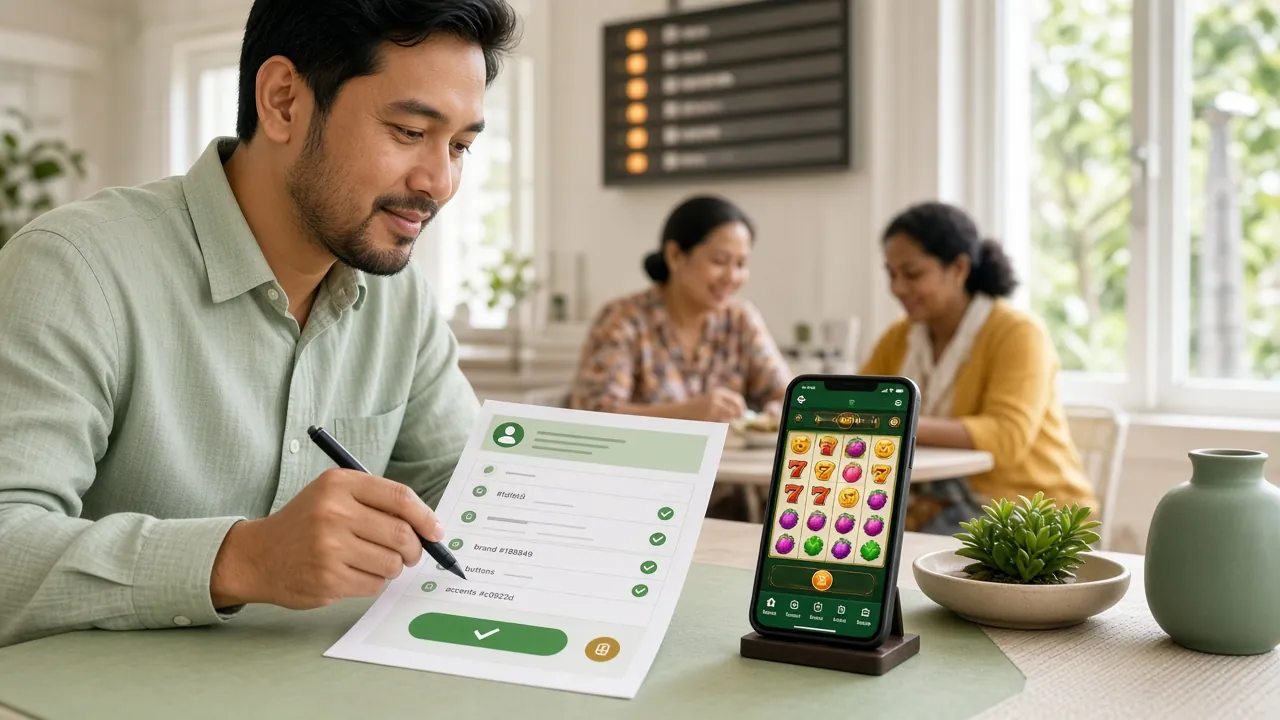
How to Install the bull88 APK on Android
Android does not allow installs from outside the Play Store by default. Follow these five steps to enable and complete the installation safely.
-
1
Allow Installs from Unknown Sources
Go to your Android Settings → Apps → Special App Access → Install Unknown Apps. Find your browser (Chrome or Mi Browser) and toggle on "Allow from this source". This is a one-time setting that is scoped to the browser only — it does not make your whole phone less secure.
-
2
Download the bull88.apk File
Tap the Download APK button on this page. Your browser will save bull88.apk (36 MB) to your Downloads folder. Wait for the progress bar to reach 100% before proceeding — a partial download will cause an install error. Wi-Fi is faster, but mobile data works fine too.
-
3
Open the Downloaded File
Pull down your notification shade and tap bull88.apk — Open, or navigate to Files → Downloads → bull88.apk. Android will display an install confirmation screen showing the app name and permissions requested. Review them, then tap Install.
-
4
Wait for Installation to Complete
The install takes roughly 15–30 seconds depending on your device. When you see "App installed", the bull88 App icon will appear on your home screen and app drawer. You do not need to restart your phone. If you see a "Parse error", the file did not download fully — try again on a stable connection.
-
5
Log In or Register to Start Playing
Tap the bull88 icon to launch the app. Existing members can log in with their username and password. New players tap Register and complete the form in under two minutes. Your account balance and bonus progress sync instantly across the app and browser.
iPhone / iPad: Add to Home Screen
There is no iOS APK. The quickest way to get an app-like experience on iPhone is to save the bull88 website as a Home Screen shortcut using Safari.
-
1Open bull88.ws in Safari
This only works in Apple's Safari browser. Chrome and Firefox on iOS do not support the Add to Home Screen function.
-
2Tap the Share icon
It looks like a box with an upward arrow, located at the bottom centre of your Safari screen (or top-right on iPad).
-
3Select "Add to Home Screen"
Scroll down in the share sheet until you see this option. Tap it, rename the shortcut "bull88" if you like, then tap Add.
-
4Launch from your Home Screen
The bull88 icon now sits on your home screen. Tapping it opens the site in full-screen mode — no browser bars, almost identical to a native app experience.
Direct APK Download
Download bull88.apkLast updated: 11 Nov 2026
App vs Browser: Which One Should You Use?
Both options give you full access to your bull88 account. The table below shows where each one has the edge so you can pick what suits you.
| Feature | bull88 App (Android APK) | Mobile Browser | Desktop Browser |
|---|---|---|---|
| Full game library access | Yes | Yes | Yes |
| Push notifications | Yes | No | No |
| Offline quick-launch icon | Home screen icon | Bookmark only | Bookmark only |
| Touch-optimised UI | Purpose-built | Responsive | Mouse-first |
| In-app live chat | Yes | Yes | Yes |
| Deposit & withdrawal | Full support | Full support | Full support |
| Auto-update mechanism | In-app prompt | Always latest | Always latest |
| Requires installation | One-time APK install | No install needed | No install needed |
| iOS support | Android only | Yes | Yes |
| Bonus & VIP dashboard | Built in | Built in | Built in |
Bottom line: Android users benefit most from the app. iPhone users get a comparable experience by adding bull88.ws to their Safari Home Screen. Either way, your account and balance are identical across all platforms.
Games You Can Play Right in the App
View All GamesThe full bull88 casino library loads in the app exactly as it does on desktop — same RTPs, same providers, same bet limits.


Version Info & System Requirements
Check these details before downloading to make sure the bull88 App is compatible with your Android device. All information is taken directly from the latest release.
| Specification | Details |
|---|---|
| App version | 3.3.14 |
| File name | bull88.apk |
| File size | 36 MB |
| Minimum Android version | Android 10.0 |
| Last updated | 11 November 2026 |
| Price | Free |
| Language support | English / Bahasa Melayu |
| iOS support | Add to Home Screen (Safari) |
| Minimum deposit in app | RM45 |
| Minimum withdrawal in app | RM30 |
How to Update the App
When a new version of the bull88 App is released, you will see an in-app update banner the next time you open it. Tap Update Now to download the new APK and install it over the existing one — your login details and balance are not affected.
You can also revisit this page at any time and tap Download APK to get the latest version manually.
Safe to Install? Permissions Explained
Some players are cautious about sideloading an APK, which is completely reasonable. Here is exactly what the bull88 App does — and does not — request on your device.
SSL Encryption on All Traffic
Every connection between the bull88 App and our servers uses TLS 1.3. Your login credentials, payment details and personal data travel over an encrypted channel — the same standard used by major Malaysian banks and e-wallet providers.
Minimal Device Permissions
The bull88 App requests only: Internet access (to load games and process payments) and Storage read/write (to cache game assets for faster loads). It does not access your camera, contacts, microphone, location or SMS inbox.
Biometric Login Support
If your Android device supports fingerprint or face unlock, you can enable biometric login inside the bull88 App settings after your first password log-in. Your biometric data stays on your device — it is never sent to bull88 servers.
APK Downloaded Direct from bull88
Only download the bull88 APK from this page at bull88.ws. Third-party APK mirror sites may distribute modified files. This official APK is the only version maintained by our development team and covered by our security team's code review process.
Install Problems? Fix Them Here
Most install errors have a straightforward fix. Use this table to diagnose and resolve the most common issues without contacting support.
| Error / Symptom | Likely Cause | How to Fix It |
|---|---|---|
| "Parse error" on install | The APK file did not download completely. File is corrupt or truncated (common on slow or interrupted connections). | Delete the partial file from your Downloads folder, reconnect to a stable Wi-Fi or 4G connection, then download bull88.apk again from this page. Do not open the file until the download is 100% complete. |
| "Install blocked" or "Not allowed" | The "Install unknown apps" permission for your browser has not been enabled, or was revoked after a system update. | Go to Settings → Apps → Special App Access → Install Unknown Apps, find your browser, and toggle on "Allow from this source". Return to your Downloads folder and try opening bull88.apk again. |
| App crashes immediately on launch | Device is running an Android version older than 10.0, or available RAM is very low at the time of launch. | Check your Android version under Settings → About Phone → Android version. If it is below 10.0, the app is not compatible. Otherwise, force-close other apps to free RAM, then relaunch bull88. |
| Games not loading inside the app | Weak internet connection or the app's cache has become corrupted after an interrupted update. | Switch from mobile data to Wi-Fi, or vice versa. If that does not help, go to Settings → Apps → bull88 → Storage → Clear Cache. Your account data is not affected by clearing the cache. |
| Cannot log in — "Invalid credentials" | Username or password entered incorrectly, or account may require identity verification before the first withdrawal. | Use the Forgot Password link on the bull88 login page to reset via your registered mobile number. If you have not completed KYC, check your in-app notification for a document submission prompt. |
Still stuck? Open the in-app live chat or visit the browser version of bull88.ws to reach our 24/7 support team.
Common Questions About the bull88 App
Answers to what players ask most before and after downloading the bull88 App for Android.